
A user deactivation is a permanent removal of the user and is not reversible from the Vindicia IDP console. To deactivate a user permanently, do the following:
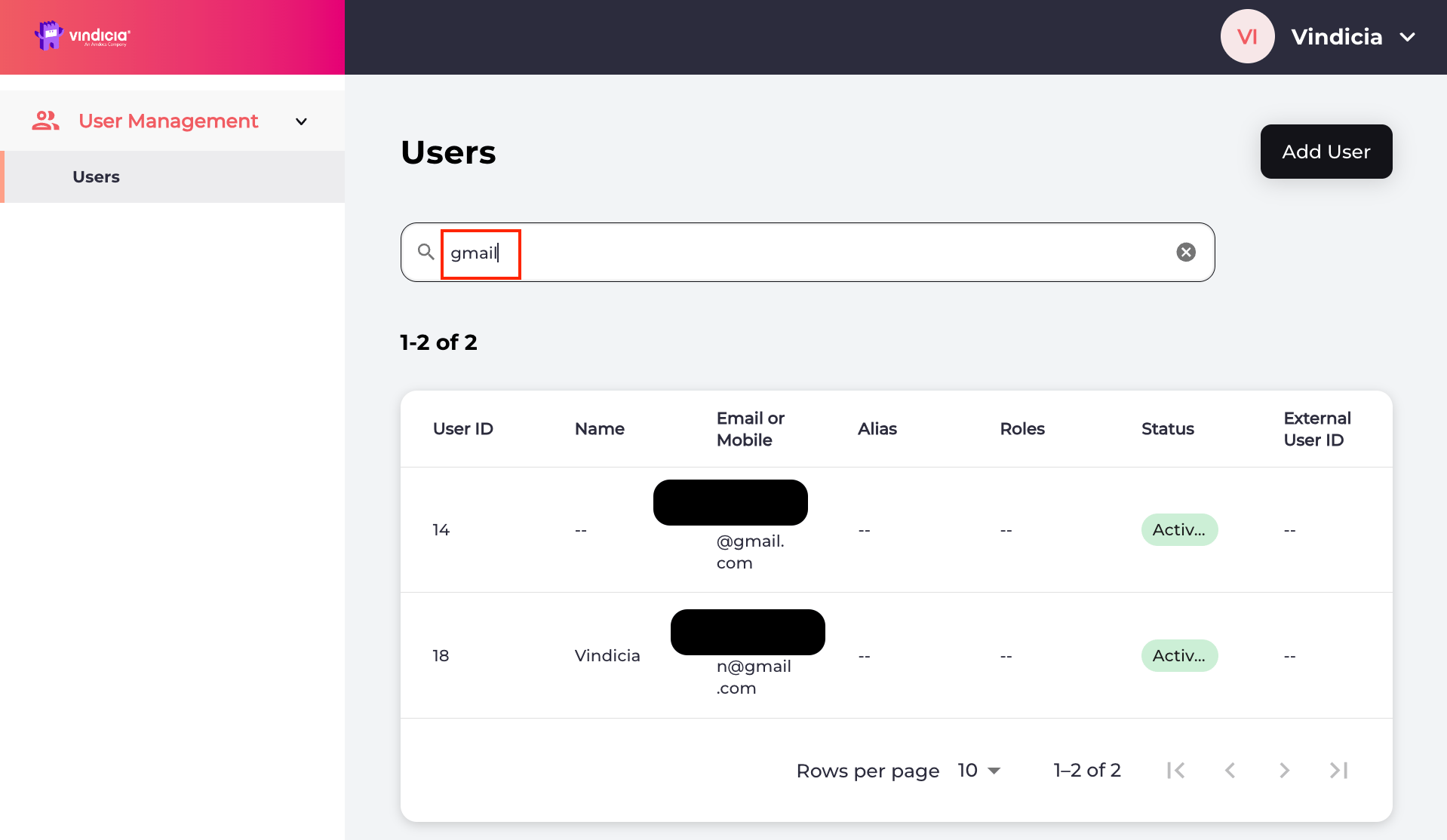
Sign in to Vindicia IDP Console 2.0 by clicking Manage Users Link in the Vindicia Portal under your account avatar. The User Management screen appears. Vindicia IDP 2.0 Console User Management Page listing users
Search for the relevant user or select the user from the list. The selected user’s Identity page opens.
  1. Navigate to Actions > Deactivate User located in the top-right corner.
  2. A confirmation message prompts you to select one of the following:
    • Deactivate logs the user out of all current sessions, and prevents the user from authenticating. This action is permanent.
    • Cancel to return to the user’s Identity page.
The selected user is deactivated and their status is changed to Deactivated in the Vindicia IDP 2.0 console. The system revokes all sessions and access tokens from the user. Parent topic:Vindicia IDP 2.0 Console User Management Capabilities