
-
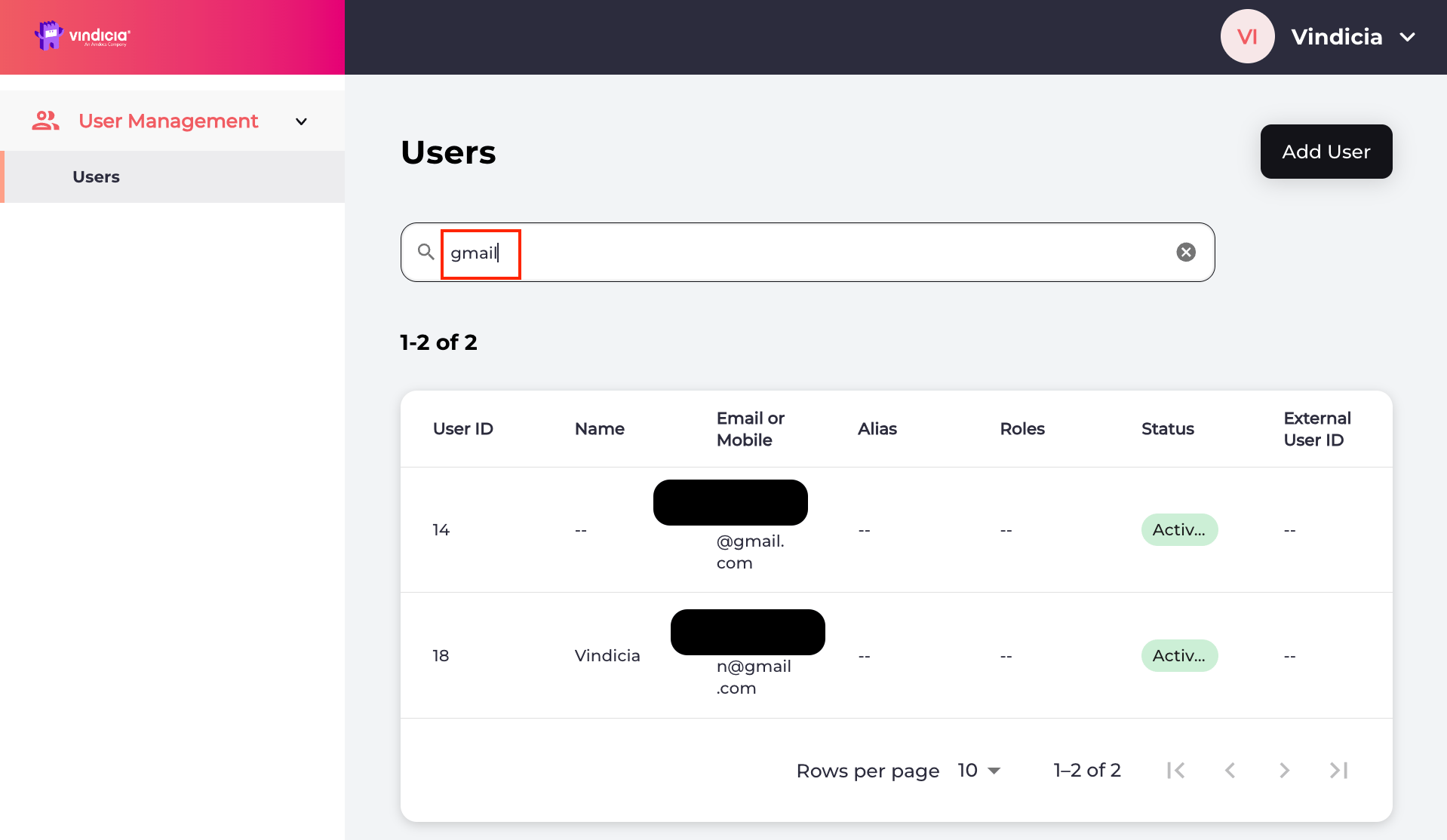
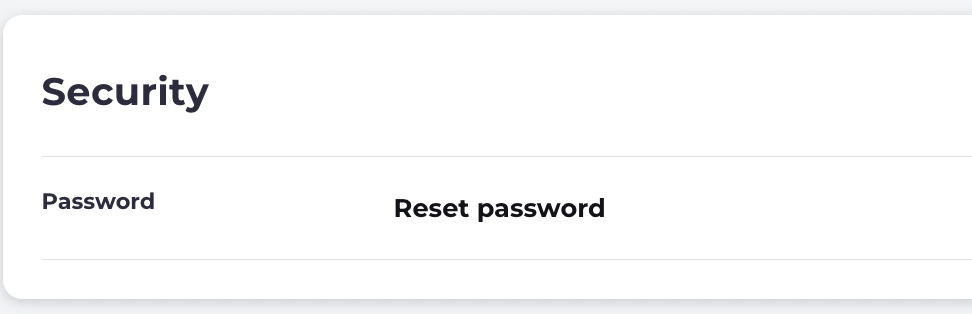
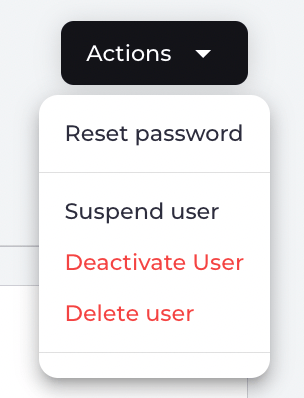
To reset the password, do either of the following:
-
On the selected user’s Identity page, navigate to Security > Password details and click Reset password.
-
On the selected user’s Identity page, navigate to Security > Password details and click Reset password.
-
On the selected user’s Identity page, navigate to Security > Password details and click Reset password.
-
Select one of the confirmation prompts:
- Send Link sends a notification message to the user on their specified channel (email or mobile number) with a link to reset their password.
- Cancel to return to the user’s Identity page.