
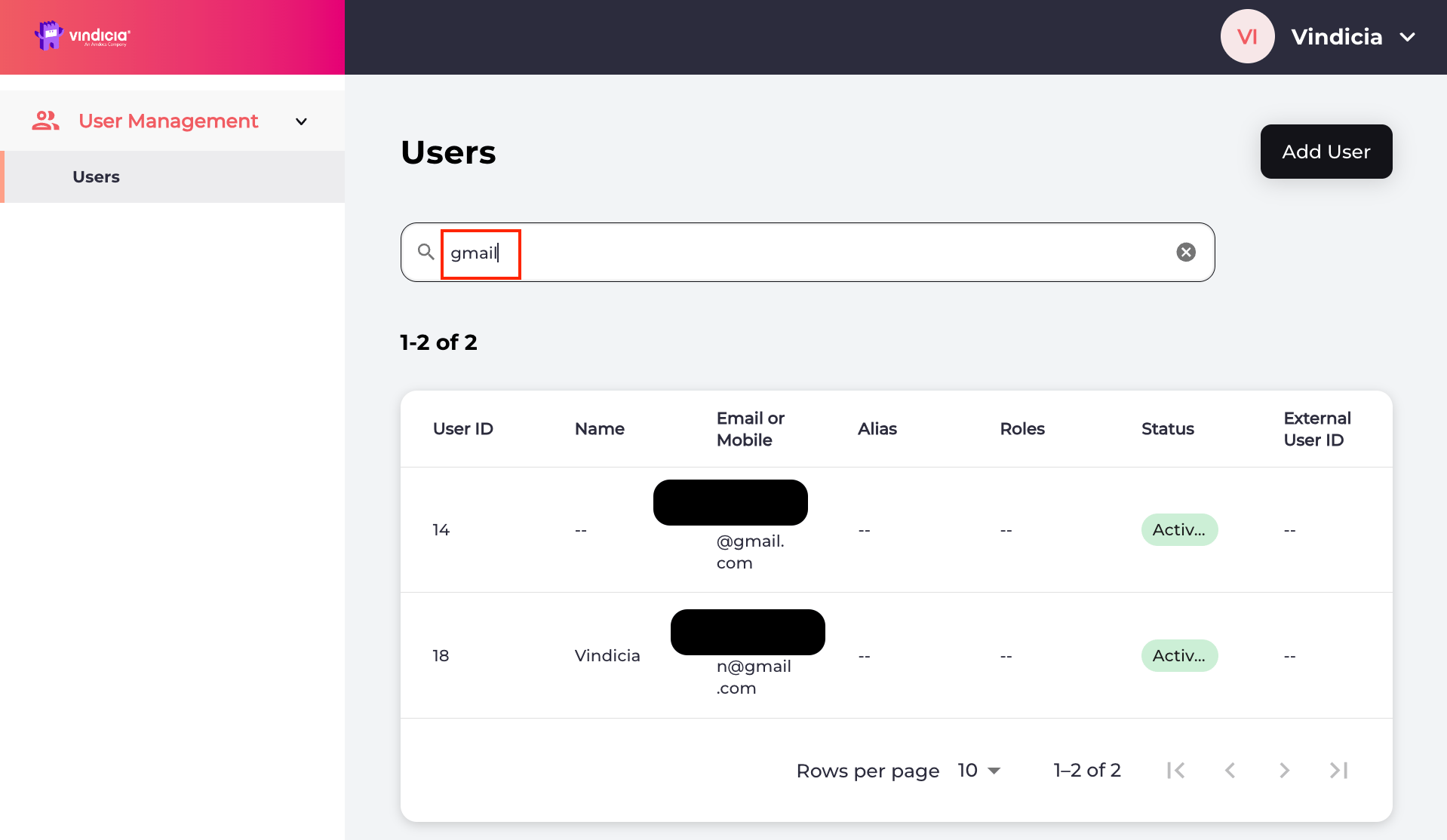
Search for users in the Vindicia IDP Console 2.0, and manage their user identity and profiles when they require assistance.
Sign in to Vindicia IDP Console 2.0 by clicking Manage Users Link in the Vindicia Portal under your account avatar. The User Management screen appears. Vindicia IDP 2.0 Console User Management Page listing users
  1. Enter the search criteria in the search field and press Enter. You can use any of the following search criteria to find a user:
    • User ID
    • First or last name
    • Email address or part of it
    • Alias A list of users matching the search criteria appears.
  2. Select the relevant user and click anywhere in its row to open the user’s Identity profile page.
You can view the selected user’s identity profile and manage the details as needed. Parent topic:Vindicia IDP 2.0 Console User Management Capabilities