- Download the CSV and view the report
- Delete one-time reports
One Time Reports
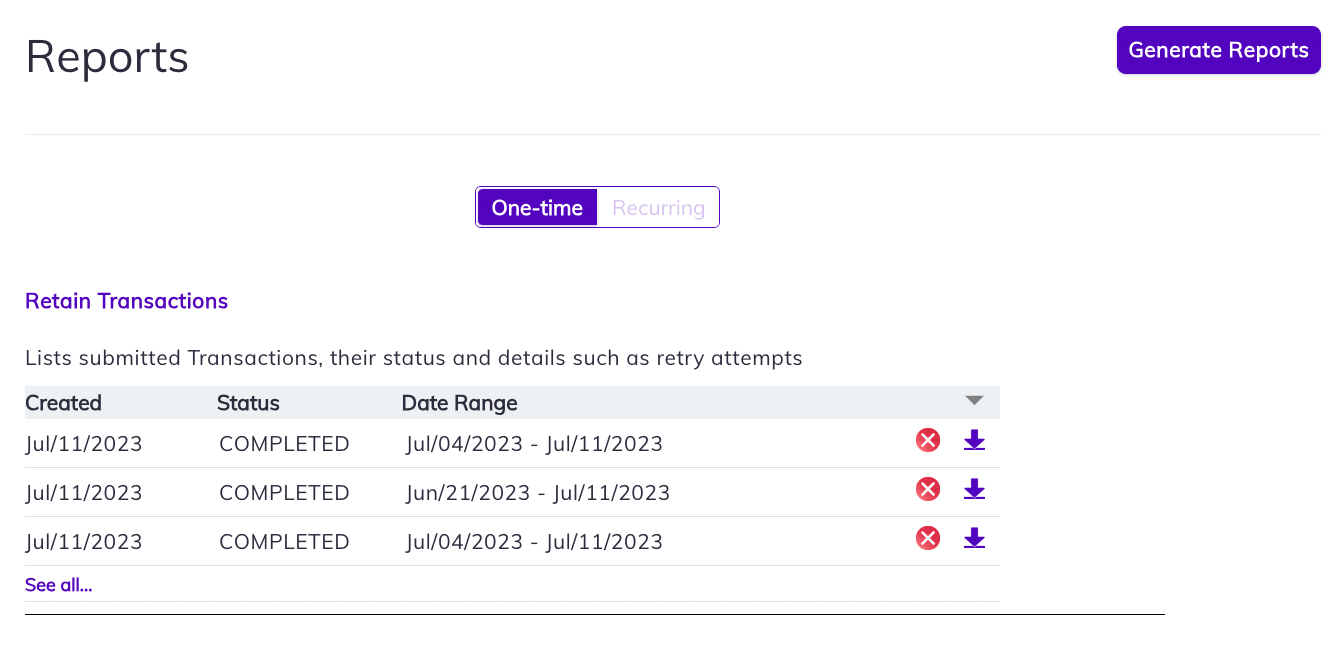
One time reports are listed by date created, date range of the report, and its status. Click the X to delete the report, click the download
Recurring Reports
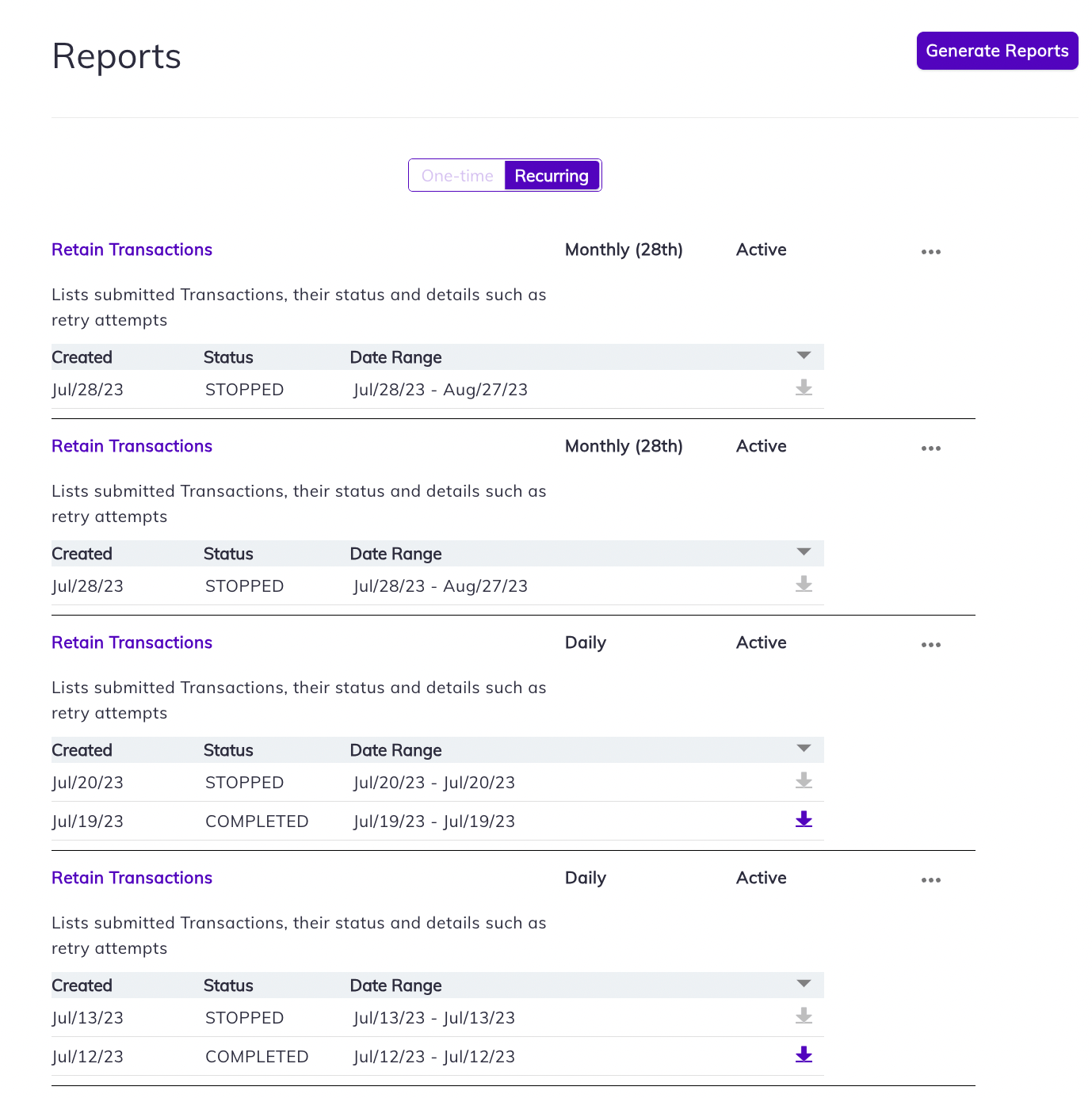
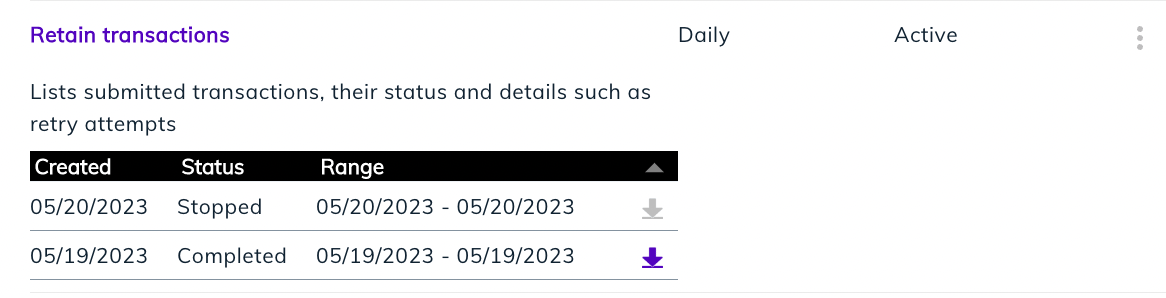
Recurring reports are scheduled reports and appear separately for different frequencies, such as monthly and daily. To download the report, click the download- Stop Schedule—allows you to stop creating new reports as based on the schedule. This action cannot be undone.
- Delete Schedule—allows you to stop creating new reports and deletes available reports. This action cannot be undone.
- Modify Email Address—Enter the alternate email to which you’d like to receive notifications. Click Update.
- Modify SFTP Connection— Enter alternate SFTP settings and click Update.