
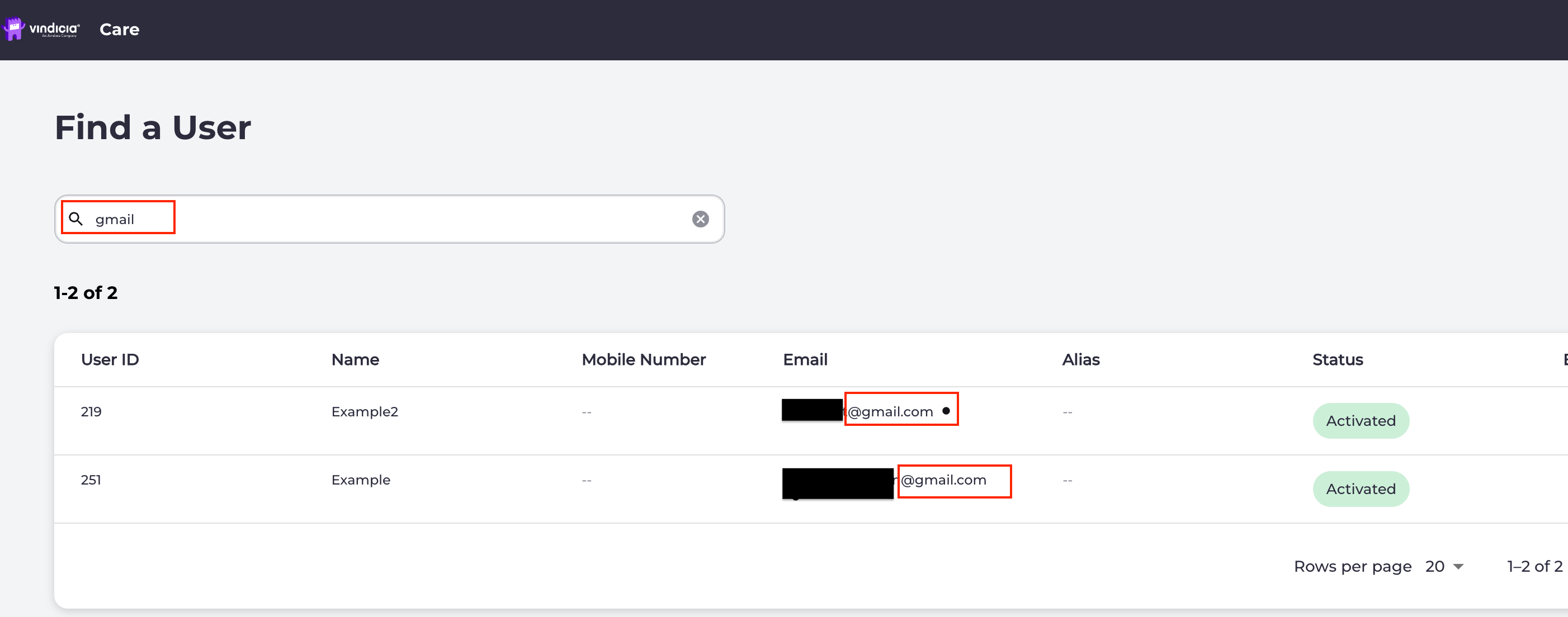
- Sign in to the Vindicia IDP Console 1.0. By default, the Find a User page appears.
-
Enter the search criteria in the search field and press Enter.
You can use any of the following search criteria to find a user:
- User ID
- First or last name
- Email address A list of users matching the search criteria appears.
- Select the relevant user and click anywhere in its row to open the user’s Identity profile page.
User Status Fields
The user status is viewed from their Identity page (in upper left corner beside user’s name). This information is helpful to assist users onboard and authenticate as quickly as possible. Note: To view multiple end users/statuses, complete a search and review the results list of current users and statuses.
Parent topic:Find a User in Vindicia IDP 1.0 Console